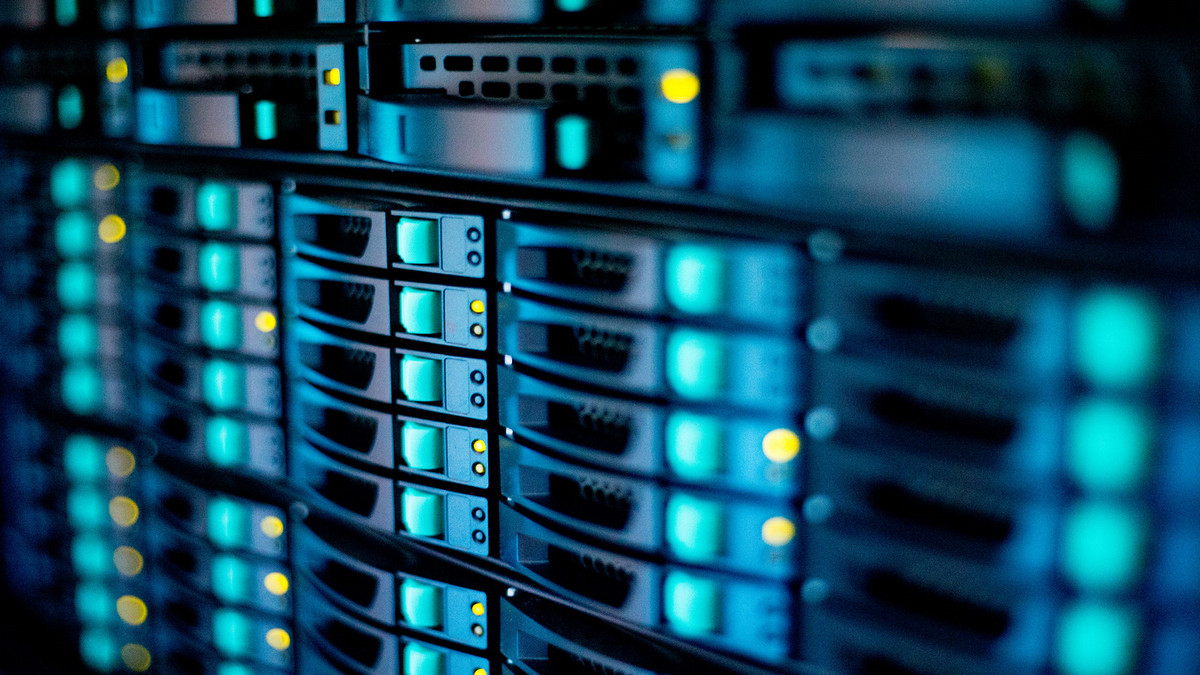
Data storage and backup systems play a crucial role in managing, protecting, and preserving the vast amounts of information generated by businesses, organizations, and individuals. Data storage and backup systems encompass a range of solutions, including traditional local storage options such as hard disk drives, (HDDs) solid-state drives (SSDs), tape drives, and network-attached storage (NAS), as well as online cloud storage services provided by third-party vendors. Local storage and online cloud storage each offer their own distinct advantages and considerations in terms of accessibility, scalability, security, and cost-effectiveness.
Hard Disk Drives (HDDs): Traditional Storage
Hard disk drives (HDDs) have long been the backbone of data storage, offering reliable and cost-effective solutions. HDDs consist of one or more spinning disks coated with a magnetic material and read/write heads that move rapidly over the disk surfaces to read and write data. When data is written to the disk, the magnetic head aligns the magnetic particles on the disk's surface to represent binary data (0s and 1s). The read/write head's ability to access data randomly across the disk, along with the high speed of the disk, enables fast data access and quick retrieval of information.
Advantages
Cost-Effective: HDDs are generally more cost-effective per gigabyte compared to solid-state drives (SSDs).
High Capacity: They offer high storage capacities, making them suitable for storing large amounts of data. HDDs come in various forms (3.5-inch, 2.5-inch) and capacities, ranging from a few gigabytes to multiple terabytes.
Proven Technology: HDDs have been in use for decades and have a well-established track record for reliability.
Disadvantages:
Mechanical Parts: Being mechanical devices, HDDs are susceptible to wear and tear over time, leading to potential failures.
Slower Speeds: Compared to SSDs, HDDs have slower read/write speeds, especially for random access tasks.
Noise and Heat: The spinning disks can generate noise and heat, although modern HDDs are quieter and more energy-efficient than older models.
Compared to SSDs, HDDs offer larger capacities at a lower cost but are slower and less durable due to their mechanical nature. Advancements that have been made in HDD technology include higher data densities, faster read/write speeds, and improved reliability through techniques like error correction codes (ECC) and thermal management.
Solid-State Drives (SSDs): Speed and Efficiency in Flash Storage
A Solid-State Drive (SSD) is a type of data storage device that uses flash memory to store data persistently. Unlike HDDs, SSDs have no moving mechanical components, making them faster, more durable, and more energy-efficient. The NAND flash memory used to store data is made up of cells that can hold electrical charges to represent binary data (0s and 1s). Unlike HDDs, SSDs can access data quickly and without the need for mechanical movement, leading to faster read and write speeds. SSDs have a controller that manages data storage, retrieval, and wear-leveling algorithms to ensure an even distribution of read/write operations across the memory cells.
Advantages
Speed: SSDs offer significantly faster read/write speeds compared to HDDs, resulting in quicker boot times, application loading, and overall system responsiveness.
Durability: Since SSDs have no moving parts, they are more resistant to shock, vibration, and mechanical failure, making them more durable and reliable.
Energy Efficiency: SSDs consume less power than HDDs, leading to improved battery life in laptops and lower energy costs in desktops.
Disadvantages
Cost: SSDs are generally more expensive per gigabyte compared to HDDs, although prices have been decreasing over time.
Capacity: While SSD capacities have increased, they still typically offer less storage space than HDDs, especially in the higher capacity ranges.
Write Endurance: NAND flash memory has a limited number of write cycles, although modern SSDs use wear-leveling algorithms and higher-quality memory to mitigate this issue.
Compared to HDDs, SSDs excel in speed, durability, and energy efficiency but may have higher upfront costs and lower storage capacities. The choice between HDDs and SSDs depends on factors such as budget, performance requirements, and longevity considerations.
Tape Drives: Long-Term Data Archival and Backup
While tape drives may be considered an older technology compared to modern storage solutions like SSDs and HDDs, they are still used today for specific purposes, especially in enterprise-level environments. Tape technology utilizes magnetic tapes wound on reels, with data written and read sequentially using read/write heads.
Tape drives offer a very low cost per terabyte of storage, making them a cost-effective choice for long-term data archival and backup purposes. Modern tape drives can store enormous amounts of data and, due to their stability and reliability over extended periods, are well-suited for long-term data retention. This makes them suitable for organizations that need to archive vast quantities of information.
Storing data offline in tape drives provides an added layer of security against cyber threats like ransomware attacks, as the data is not directly accessible over a network. Many industries and organizations have regulatory requirements that mandate long-term data retention, and tape drives fulfill these compliance requirements effectively. Tape drives are designed with error detection and correction mechanisms, ensuring data integrity over time.
Despite these advantages, tape drives are not as fast as SSDs or HDDs; therefore, they are primarily used for data that is accessed infrequently but needs to be stored securely for an extended period. However, tape drives have retained relevance in data storage for archival and backup purposes, offering cost-effective, high-capacity storage solutions
Network-Attached Storage (NAS) Devices: Centralized Data Storage and Sharing
Network-attached storage (NAS) devices provide centralized data storage and file sharing capabilities within a localized network environment. NAS systems typically consist of one or more HDDs or SSDs configured in RAID (Redundant Array of Independent Disks) arrays for data redundancy and performance.
NAS devices connect to the network through Ethernet or Wi-Fi, allowing multiple users to access and share files, documents, media, and backups. They often include features such as data encryption, remote access, automatic backups, and integration with cloud services.
Cloud Storage Solutions
Cloud storage solutions have transformed data storage by offering scalable, on-demand services hosted on remote servers. Providers offer a range of solutions, including object, file, and block storage, alongside backup services and disaster recovery solutions. Data stored in the cloud benefits from redundant architectures, encryption protocols, and access controls, ensuring both security and availability. These solutions provide cost-effectiveness and seamless integration with cloud-based applications.
Special Features and Emerging Applications
Data storage and backup systems continue to evolve with innovative features and applications, including:
AI-driven Storage Optimization: Systems incorporating artificial intelligence (AI) and machine learning (ML) algorithms allow for data deduplication, predictive storage analytics, and automated storage tiering.
Blockchain-based Data Integrity: Solutions leveraging blockchain technology offer secure data storage, tamper-proof audits, and cryptographic verification of data authenticity.
Edge Computing and Storage: Integration of storage solutions with edge computing infrastructure give low-latency data processing, IoT device management, and real-time analytics at the network edge.
Hybrid Cloud Storage: Hybrid storage architectures combine on-premises storage, cloud storage, and edge storage for flexibility, data mobility, and disaster recovery strategies.
Conclusion
Data storage and backup systems play a crucial role in safeguarding and managing digital assets for businesses, organizations, and individuals. From traditional HDDs and tape drives to modern SSDs, NAS devices, and cloud storage solutions, organizations have a range of options to meet their storage needs.





(4059)(20260924)(原).jpg)
(2367)(20260924)(原).jpg)