The demand for high-speed transmission is increasing day by day, which has promoted the rapid development of USB (Universal Serial Bus) technology in recent years. The introduction of a central processing unit (CPU) that supports USB4 symbolizes that USB technology has entered a new era.
The Era of High-Speed Transmission:
Whether you use a professional-grade camera or video camera, or a smartphone, the quality of photos and videos produced by various devices is getting higher and higher. This not only increases the storage capacity requirements if you take a 4K, or 8K Waiting for ultra-high-quality videos to be uploaded for hours or even a day may not meet the needs of modern people. Such a trend encourages various transmission technologies to keep pace with the times with a view to future demands, and USB4 and Thunderbolt 4 have also taken advantage of this trend, and have gradually attracted the attention and attention of the industry in recent years.
The development path of USB4 is very different from the previous USB because it is based on the transmission interface standard developed by Intel's Thunderbolt 3. In the past, USB 2.0, USB 3.0, and other technologies were jointly formulated by many manufacturers, but USB4 set a relatively high threshold.
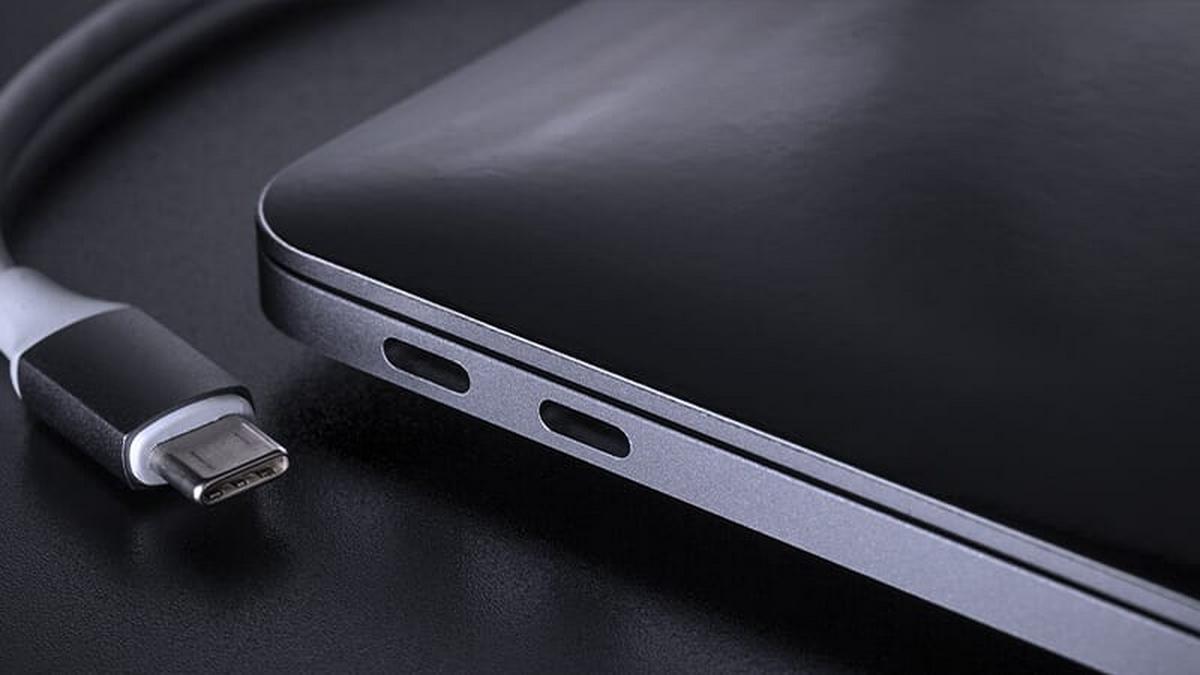
USB4 is based on the Thunderbolt protocol, and because of this it also has speeds up to 40Gbps. It's backward compatible with USB 3.2 and even USB 2.0. However, you'll need a USB 4 adapter (to a USB 3.2 or USB 2.0 connector), since USB 4 uses a USB-C connector.
Unlike Thunderbolt 4, USB 4 does not support dual monitors. USB4 supports DisplayPort 2.0, capable of outputting video at 8K or even 16K resolution at 60Hz. But unlike Thunderbolt 4, it doesn't support dual monitors. DisplayPort 2.0 can use speeds up to 80Gbps because it only transmits data in one direction (the display). USB 4 is as fast as Thunderbolt 4 and fast enough to connect an external GPU (graphics card). It has a power delivery of 60W, as opposed to Thunderbolt 4's 100W.
What is Universal Serial Bus 4 (USB4)?
USB4 is the USB system specified in the USB4 specification, version 1.0 of which was released in August 2019 by the USB Developers Forum. Unlike previous USB protocol standards, USB4 requires a USB-C connector and requires USB PD support for power. Compared to USB 3.2, it allows DisplayPort and PCI Express tunneling.
This architecture defines a method for dynamically sharing a single high-speed link with multiple end-device types that best handles data transfers by type and application. USB4 products must support 20 Gbit/s throughputs and can support 40 Gbit/s throughputs. But because of the tunneling, when transferring mixed data, even at only 20 Gbit/s, the actual data transfer rate may be higher than USB 3.2. The USB4 specification is based on the Thunderbolt 3 protocol specification.
The Universal Serial Bus has been around since 1996 intending to standardize the connection of external devices to PCs. The function of USB4 breaks away from the upgrade of the original USB that only does data transmission. For users, one line in the future will have the opportunity to perform data transmission, audio, and video transmission, PCIe, charging, etc., and it is compatible with previous generations of USB. It can be used if necessary. Compatible with Thunderbolt 3, the convenience is greatly improved. However, more functions mean that the internal structure is more complicated than before, and more silicon intellectual property (IP) is required device side, and other control IC design thresholds.
The upgrade of USB4 further expands the application area. In the past, USB to PCIe was mostly used in high-speed storage devices such as SSDs. Now, USB4 uses Tunneling technology to connect external network cards or graphics cards. A large amount of company data can also be quickly transferred through USB4.
What is the USB4 Specification?
- Design goals:
The goal articulated in the USB4 specification is higher transmission bandwidth, helping to integrate the USB-C connector ecosystem and minimizing end-user confusion. Some key areas to achieve this are using a single type of USB-C connector while maintaining compatibility with existing USB and Thunderbolt products.
- Data transmission method:
USB4 itself does not provide any general data transfer mechanism or device class but is mainly used to provide tunneling to transfer other protocols (such as USB 3.2, DisplayPort, and optional PCIe). Although it does provide a native host-to-host protocol. It is only available between two connected hosts and is used to implement host IP networking. Therefore, when the host and device do not support optional PCIe tunneling, the maximum non-display bandwidth is limited to USB 3.2 20Gbps, and only USB 3.2 10Gbps is mandatory.
- USB4 supports the following tunneling protocols:
- USB 3.2 Enhanced SuperSpeed Tunnel
- Tunneling over DisplayPort 1.4a
- Based on PCI Express (PCIe Tunneling)
- USB4 needs to support DisplayPort Alternate Mode (alternative mode). So, DisplayPort signals can be sent using USB4 tunneling or this alternative mode.
- The dedicated cable in the USB-C connector always supports USB 2.0.
- Data transfer mode support:
Some transfer modes are supported by all USB4 devices, but USB4 support for other transfer modes is optional. It depends on the type of device.









(4059)(20260924)(原).jpg)
(2367)(20260924)(原).jpg)